When the lower rack looks acceptable but the top rack stays dirty, loading, upper spray-arm movement, water delivery, filters, or circulation can be more informative than detergent alone. This guide explains safe checks, diagnostic clues, and the point wher...
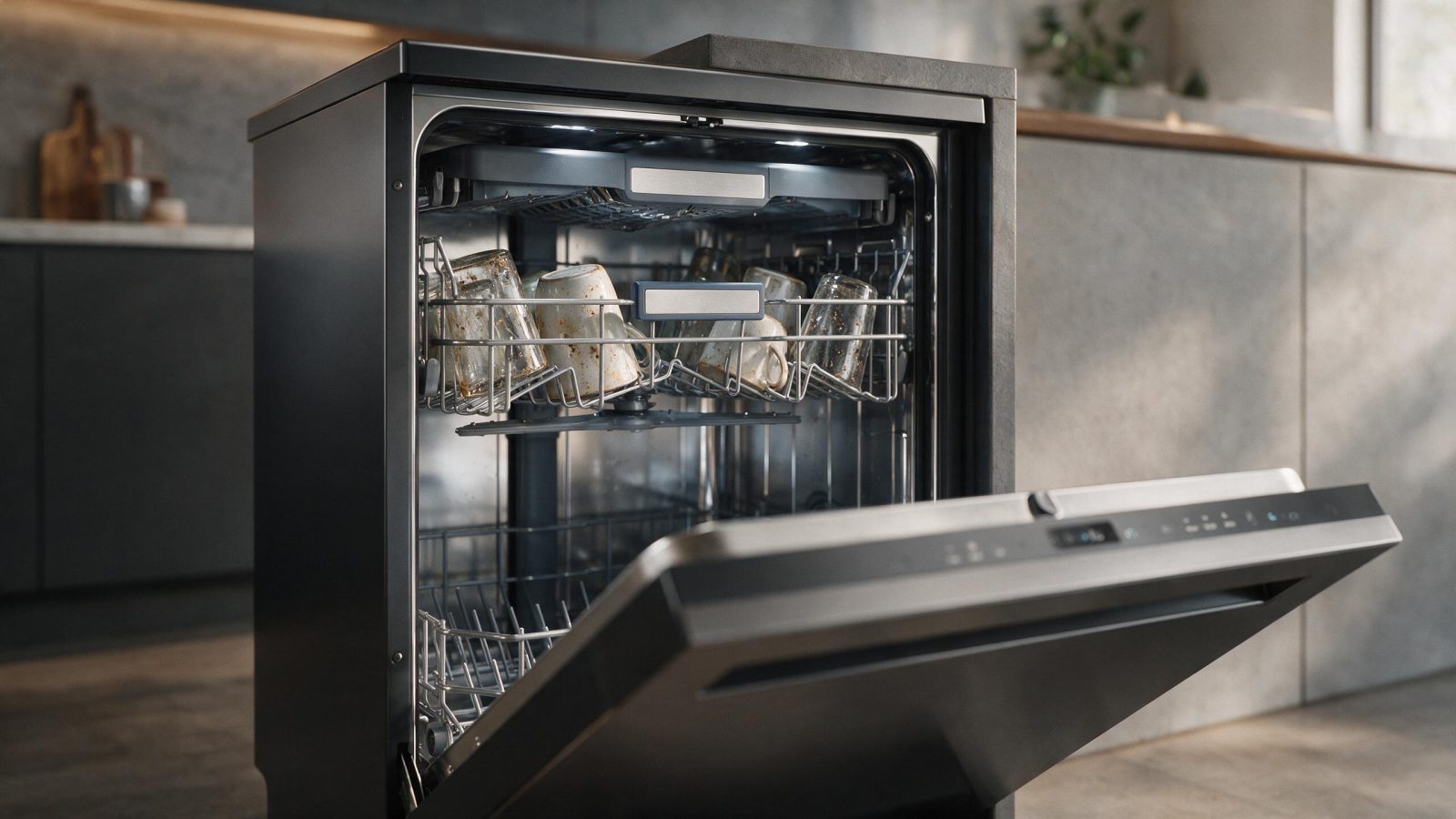
A dirty top rack beside a cleaner bottom rack usually points to a blocked upper spray arm, a poorly seated rack, or buildup in the filter and spray openings. Check those first, then book a diagnosis if they are clear and it repeats.
When the lower rack looks acceptable but the top rack stays dirty, loading, upper spray-arm movement, water delivery, filters, or circulation can be more informative than detergent alone. Before replacing anything, treat the symptom as evidence: note when it happens, what still works, what changed recently, and whether a code or alarm appears.
This guide focuses on KitchenAid dishwasher top rack not cleaning. If the appliance shows a specific diagnostic code, keep the code definition on the dedicated KitchenAid error-code pages and use this article for the operating context around that code.
Suppose you notice top-rack cups keep food or film while lower dishes look cleaner. Then compare that with the upper spray arm appears blocked by tall items. If both happen together, the diagnostic picture is different from a one-time event after unusual use. Write down the sequence before changing settings or resetting power; the order of events can help reproduce the condition.
A recent change can matter for KitchenAid dishwasher top rack not cleaning: installation work, filter replacement, cleaning, a power outage, a large food load, different cookware, or a new detergent may be relevant. That does not prove causation, but it gives the diagnosis a chronological starting point.
Before service, these checks can rule out obvious external conditions:
After an obvious external condition is corrected, use only the restart or acknowledgement procedure documented for the exact model. If the problem returns, stop repeating resets and preserve the evidence.
Tall items blocking the upper spray arm, a rack that is not seated, filter buildup and spray openings are the outside conditions. Water delivery and circulation come after those.
The symptom can originate from an external condition, a monitored component, or the control path around it:
These are diagnostic branches, not instructions to replace every item named above. The exact model and the appliance’s behavior determine which branch is plausible.
| What you notice | What it can point to | What you can safely check |
|---|---|---|
| Cups hold food or film | Weak spray reaching the upper level | Clean the filter and check spray openings |
| Upper arm will not spin freely | Tall items or a seating problem | Turn the machine off and spin the arm by hand |
| One side of the rack is worse | Blocked opening or rack position | Confirm the rack sits fully in place |
A returning symptom is a good reason to stop resetting and let the diagnostic path become more precise.
Professional diagnosis can verify wash pressure/circulation, pump performance, water routing/diverter operation where used, heater/sensor inputs, and control timing.
A diagnosis should confirm the affected system before a part is ordered. The display, sound, temperature, flame, water behavior, or cycle timing is evidence—not a parts invoice.
KitchenAid loading guidance suggests spinning the spray arms by hand before a cycle, and notes that tall bottom-rack items can hit the upper arm. Hard-water residue can build up on spray arms as well as dishes, which is why monthly cleaner use is recommended.
KitchenAid has used multiple platforms across refrigerators, dishwashers, ovens, ranges, cooktops, microwaves and specialty kitchen appliances. Two appliances can look similar while using different sensors, controls, component layouts or diagnostic maps.
Use the complete rating-label model number, including the suffix where present. Do not pull a heavy built-in appliance out of cabinetry or remove a protected panel just to find the label; use the owner’s documentation to locate the normal accessible rating-label position.
A model number is especially important when a code appears. It prevents a definition from another appliance family or control generation from being applied to the wrong machine.
Disconnect power before any owner-approved handling near sharp internal components, and never reach into powered moving parts.
General stop conditions also apply: smoke, visible arcing, burning-electrical odor, persistent gas odor, repeated breaker trips, uncontrolled heating, active water reaching electrical parts, a damaged microwave door/interlock, or a mechanism that can move unexpectedly.
Do not open live electrical compartments, adjust gas piping or regulators, bypass safety switches, access microwave high-voltage systems, or open a sealed refrigeration circuit as a homeowner troubleshooting step.
A concise service request can save diagnostic time:
If the safe checks do not change the pattern, book diagnosis with the full model number and symptom history rather than buying a part from a generic troubleshooting chart.
No. Some causes are owner-accessible conditions, settings, loading, maintenance, installation, or normal operating behavior. The concern becomes more service-oriented when the pattern is repeatable after safe external checks.
The most useful clue is usually the repeatable pattern: top-rack cups keep food or film while lower dishes look cleaner. Pair that observation with the full model number and any code or recent change.
One normal owner-approved restart can be reasonable after an obvious external condition is corrected. If the same symptom returns, repeated resets usually remove information rather than solve the cause.
No. The symptom narrows the diagnostic path, but model-specific testing should confirm the failed system or component before parts are ordered.
Common reasons include a blocked upper spray arm, a rack that is not seated, or a clogged filter. Check those before suspecting a part.
Mineral residue can build up on spray arms as well as dishes. Monthly cleaning with a dishwasher cleaner is part of KitchenAid’s guidance.
Ovens cycle heat rather than hold one exact air temperature; the concern is persistent baking inconsistency or abnormal recovery, not every short-term thermometer swing.…
Air movement and fan cycling are normal in convection cooking, but scraping, rattling, repeated start-stop noise, or a new vibration can indicate interference, fan/blade…
A problem isolated to one electric or induction zone narrows the search to cookware/zone compatibility, the local sensor or heating system, wiring, a power…
Share a few details and we’ll confirm an appointment. Prefer to talk? Call us and we’ll help right away.
Use the secure scheduler below to request your appointment.